If you have ever stood in long queues in a government office to pay a few dollars in fees, Bangla QR is going to change it for you. Bangladesh Bank, the central bank of the country, has launched a standardised QR code payment system called Bangla QR that will make digital payments faster, easier and available to everyone, including people who do not have a traditional bank account.
Unlike the fragmented payment systems of the past, Bangla QR is a single code. Scan the same QR Code and pay through bKash, Nagad, Rocket, DBBL Nexus Pay or any other mobile financial service (MFS) or internet banking app approved by Bangladesh Bank. Most importantly, this is for the common citizens who pay for land registration, passports, court fees, utility bills and other charges of the government.
Who can use Bangla QR?
You don’t even need to have a full bank account or a credit card with Bangla QR. Available to anyone having a mobile financial service account like bKash or Nagad. Bangladesh has registered more than 20 crore MFS accounts, and most of the adults can start using this system right away.
This is especially useful for those in rural and semi-urban areas where bank branches are few and far between, but mobile internet access is increasing year after year.
What you need to have in place before you get started
Before you start using your first Bangla QR Payment, please make sure you have:
•A working camera on your phone.
•Sufficient funds in your account with a working bKash, Nagad, Rocket or any MFS or mobile banking app approved by Bangladesh Bank
•A good connection to the internet or mobile data
• Your mobile number for verification (for your payment app)
Bangla QR: How To Pay Govt Fees (Step By Step Guide)
The following are the steps to pay any government fee using the Bangla QR system:
1. Open your payment application– Launch your favourite apps like bKash, Nagad or your bank’s mobile app. Please ensure you are logged in with your PIN or biometric authentication.
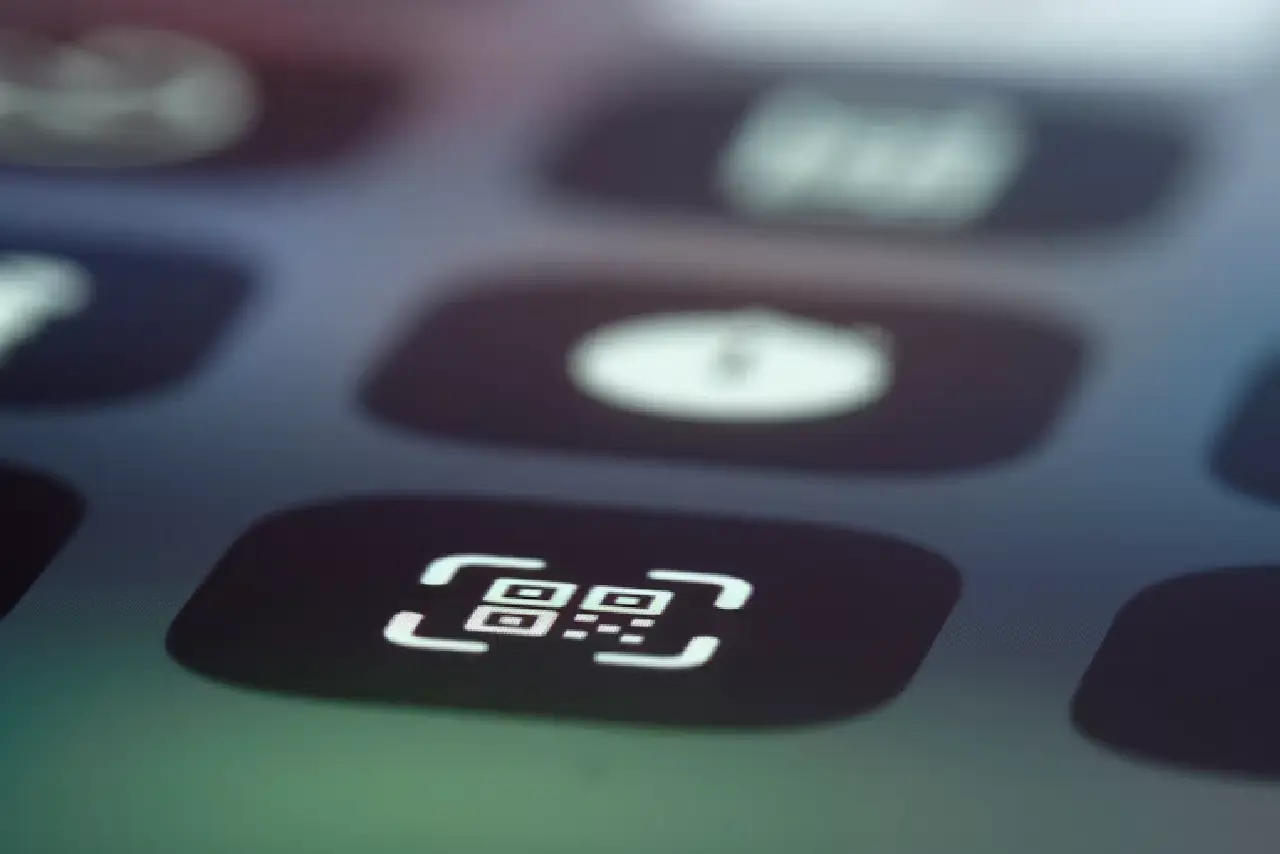
Step 2: Check for a QR Code -Option Find a “Scan QR”, “Pay by QR” or camera icon on your app home page. This is very clear in all the Bangla QR enabled apps.
Step 3: Scan the Bangla QR Code -Point your mobile camera at the QR code published at the government counter, payment slip or government website. The code will be read by the app.
Step 4: Check Merchant/Service Information– When you scan the app will display the name of the government office or service you are paying and the fees amount. Carefully read this screen before proceeding.
Step 5. Enter amouQR-enabled auto-filled) Some QR codes come with an amount pre-filled– Others will tell you to put the amount yourself. Enter the correct Fee as per your challan / payment advice.
6. Authorise Payment Your PIN or fingerprint confirms your transaction– You will receive an instant SMS & in-app notification for the payment confirmation.
Step 7: Payor Save the receipt– You will get a digital receipt and transaction ID in your app. Be sure to screenshot or write down the transaction ID. A lot of government offices now accept this as proof of payment.
Bangla QR in all gochallan/payment
•Passport and NID Expenses
•Mutation and Land Registration Fees
Legal Stamps Court Fee Stamps Municipal & City Corporation Utility Bills NBR Portal University Admission Fee & Education Board Tax & VAT Payment
Safety Tips for Bangla QR
•Always scan from official counters or verified government websites only.
•“DO NOT give your PIN to ANYONE, even government staff.
•If QR code asks for payment over your official fee slip, stop and report Keep your payment app up-to-date (security patches)
So, something’s wrong?
If money is deducted and the payment is not getting confirmed, don’t worry. The system may be processing. Please wait five to ten minutes. Go to the app and look at the transaction history. In case the problem persists, you can call your MFS provider’s helpline number, like bKash 16247, Nathe Gad 16167, with your transaction ID. Bangladesh Bank also runs a special financial consumer protection hotline 16236.
Discover More Stories Worth Your Time
Heading: How Can Students Open a Bank Account in Bangladesh?
Learn the eligibility, documents, and account opening process.
Heading: What Does BERC’s Tariff Decision Mean for Consumers?
Find out how the new decision affects your electricity bill.
Heading: Is AB Bank Offering the Highest Fixed Deposit Rate?
Compare the latest FDR rate and investment benefits.
Heading: How Can You Pay Electricity Bills Online in Bangladesh?
Follow simple steps to pay your bill securely online.
Heading: How Can You Apply for a Bangladesh e-Passport Online?
Learn the registration process, fees, and status tracking.
Conclusion: The government pays more easily with Bangla QR
It takes minutes to learn to use Bangla QR, but it saves hours in queues and the risk of carrying cash to government offices. Bangladesh Bank Expands Bangla QR Network to Additional Government Institutions and Districts. The more you get used to this system now, the more you’ll be ahead.” So, download your bKash or Nagad app today, locate the QR scanner and make your next government fee payment cashless.
Next time you are paying the government, do it through Bangla QR. Don’t line up.
Summary:
Bangla QR is Bangladesh Bank’s unified QR code payment standard that lets citizens pay government fees, utility bills, and merchant charges using bKash, Nagad, or any mobile banking app, without cash or a bank card. This guide explains exactly how to use it.