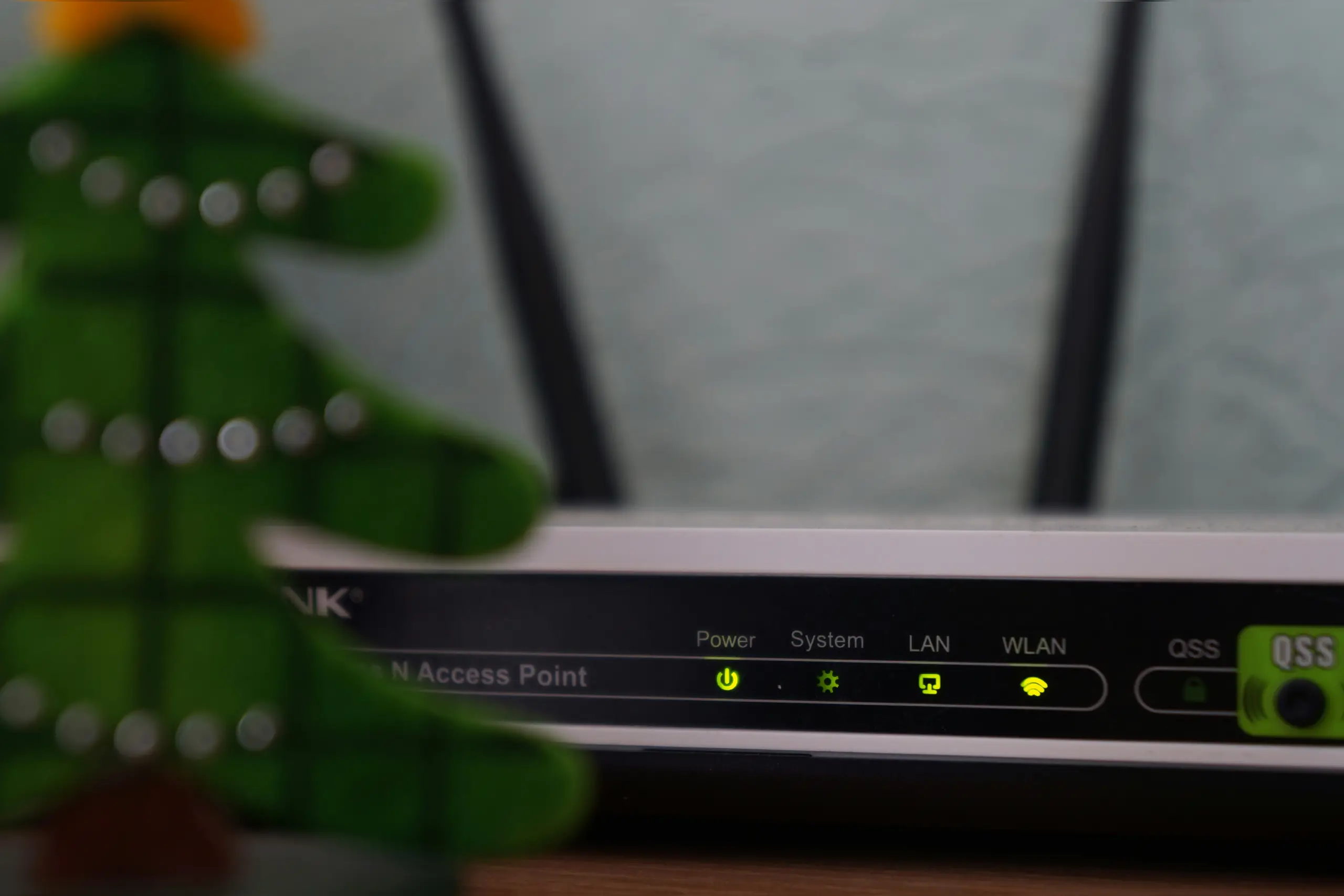
Every year, more and more households in Bangladesh are getting connected to the internet. Now, if you have a home WiFi router, be it with BTCL broadband, a private ISP like Carnival or Link3 or a mobile data package from Grameenphone or Robi, everyone in the house can connect at the same time. This guide is on the BTCL broadband installation process. BTCL is one of the most popular fixed-line services in Bangladesh, and it is applicable to most of the other home broadband connections.
What you need before you start to set up your home Wi-Fi router
Before you start, collect the following: If you don’t have one of these, your setup will be delayed.
•BTCL broadband line (to be activated by BTCL technician)
•WiFi router (Common brands available in Bangladesh: TP Link, Tenda, D Link)
•The BTCL username and password you were given (usually on a paper slip or sticker)
•A smartphone or a laptop to set up the router
•LAN cable (typically included with the router)
•Your National ID or connection agreement number if you are calling BTCL Support.
You can purchase a good TP-Link or Tenda router from shops at Elephant Road, Dhaka, or from online sites like Chaldal, Shajgoj or Daraz Bangladesh. A basic model costs around Tk 1,200. If you shop online, many people pay with bKash or Nagad. Good if you don’t have a debit or credit card.
How to Set Up Your Home Wifi Router for BTCL Broadband (Step by Step)
Do these things one at a time. Don’t jump ahead.
•Step 1 – Connect Hardware: Connect one end of the LAN cable to the BTCL modem or wall socket (where the technician installed it). Connect to the WAN port on your router; the colour of this port is usually different, often blue or yellow.
•Step 2 – Power on the router. Plug the router into a power outlet and power it on. Let the lights on the indicator settle down for about 60 seconds. Most routers have a power light and a Wi-Fi light that should be solid green or white when they are working properly.
•Step 3– Getting to the router setup page. Connect your phone or laptop to your router’s default WiFi network. Name (SSID) and password are on a label on the bottom of the router. Open a browser and type 192.168.0.1 or 192.168.1.1 into the address bar. This will open up the router admin page.
•Step 4– Key in your BTCL login credentials. Go to the admin panel and look for a section named WAN Settings or Internet Settings. Select PPPoE as the Connection type. Enter the BTCL username and password as shown on your subscription paper. Click Save or Apply.
•Step 5– Type in your WiFi name and password. Wireless Settings Change the default network name (SSID) to something you can identify. Use a strong password that includes letters, numbers, and symbols. Don’t use your name, phone number or “12345678” as your password.
•Step 6– Save & Reboot Click on Save and then reboot your router. Give it a minute or so, and then connect your devices to your brand new WiFi network with the password you just created.
Home WiFi Router Quick Security Checklist
Change the default username and password of the router’s admin panel to the admin panel
•Turn on WPA2 or WPA3 encryption in your wireless settings
•Disable WPS (WiFi Protected Setup) as it can be a security threat “Don’t share your WiFi password on social media.
•Reboot your router once a week to keep it working properly
Common Problems and How to Fix Them
No Internet after installation: Verify your BTCL PPPoE user name and password. One wrong character breaks the link. If unsure, call the BTCL helpline number 16402.
Slow WiFi Speed – Place your router in the centre of your house, away from walls and large metal objects. Do not place it in a cabinet.
BTCL Broadband Packages and How to Pay in Bangladesh
BTCL has several broadband packages, and the basic one costs around Tk. 450 per month. You can pay your bill monthly online at the BTCL website. You can also pay through mobiles such as bKash and Nagad. Some plans also offer static IP addresses, which are helpful if you operate a small business out of your home. Prices and speeds are subject to change regularly. For the latest plan details, please check the official website of BTCL or visit your nearest BTCL office.
Discover More Stories Worth Your Time
How Can You Check Your BRTA Driving License Status Online?
Track your license status and download the temporary e-license.
How Can Bangladeshi Students Study in Germany in 2026?
Learn the admission process and pathway to top German universities.
Which Online Professional Courses Are Worth Taking in Bangladesh?
Compare top career courses from GoEdu, BSDI, and Google.
What Happened to Anik Dutta?
Explore the controversy, key facts, and his cinematic legacy.
How Can You Complete NID Correction Faster in 2026?
Check the latest fees, required documents, and online application steps.
Conclusion
BTCL broadband Bangladesh. Set up your home WiFi router; you don’t have to call a technician for every step. With the correct cable, a compatible router and your BTCL login details, you can do the entire home WiFi router setup yourself in less than 30 minutes. Keep your network safe from day one, keep your password to yourself and enjoy fast, reliable internet for the whole family.
Summary
Setting up a home WiFi router in Bangladesh is easier than most people think. This practical BTCL broadband guide walks you through every step, from unpacking your router to securing your network, so you can get online quickly and safely at home.